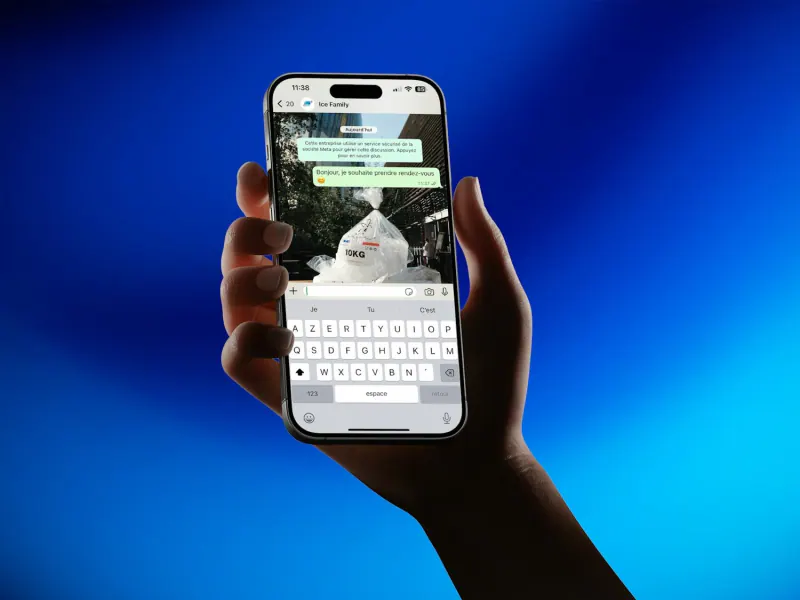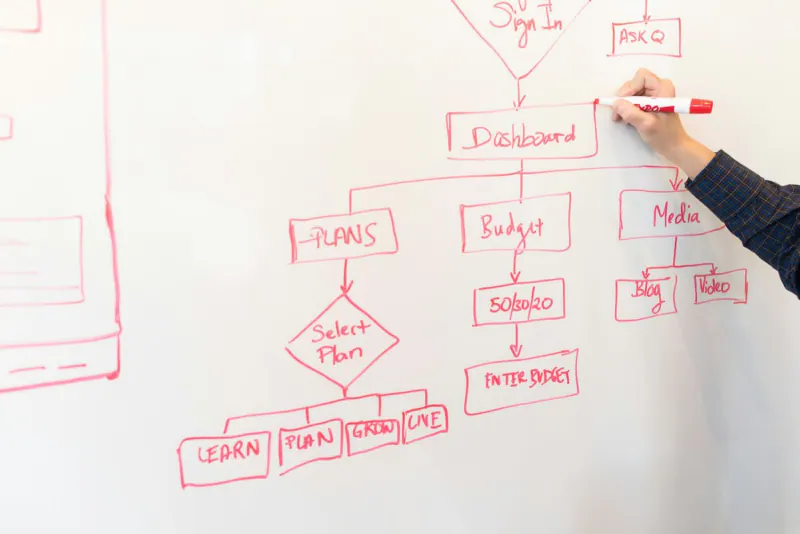
To automate lead follow-up, you connect every lead source (website form, Meta ads, WhatsApp) to n8n, which cleans the data, creates or updates the contact in the CRM, assigns it to a salesperson, sends a first WhatsApp message using an approved template and schedules reminders if there's no reply. The salesperson gets an instant alert, and the sequence stops as soon as the lead responds.
- Replying in minutes, not hours, changes how many leads turn into customers.
- n8n acts as the hub that connects forms, ads, the CRM and WhatsApp.
- Normalize phone numbers and remove duplicates before saving any contact.
- The follow-up sequence must stop the moment the lead replies.
- Measure time to first response and conversion by source.
The problem: leads that go cold
Picture a used-car dealership in Torreón that invests in Facebook ads. Leads come in at all hours, through forms and over WhatsApp. Salespeople answer when they can; weekend leads get checked on Monday; some never get a reply because every salesperson assumed someone else had already handled them. At the end of the month, the ads report says there were plenty of leads and the sales report says there were few sales.
This isn't a salesperson problem, it's a process problem. When someone leaves their details, that's the moment they're thinking about buying; a few hours later they've already gotten a quote from a competitor or moved on. What automation does is guarantee three things a person can't guarantee all the time: an immediate response, clear assignment and consistent follow-up.
Best of all, it doesn't replace your salespeople: it takes data entry, distribution and reminders off their plate, so they can spend their time talking with people who actually want to buy.
What you need in place before you automate
Automating a messy process just produces mess faster. Before you open n8n, get the following sorted out:
- A written process: who handles each type of lead, how quickly, what gets sent and when a lead is considered lost. Half a page is enough.
- Defined funnel stages: new, contacted, quoted, negotiating, won, lost. If every salesperson uses different names, the report is useless.
- Access to the WhatsApp Business Platform with the business verified in Meta and at least two approved templates: welcome and follow-up.
- A server or account for n8n, with backups and monitoring if you self-host it.
- An updated privacy notice that mentions the use of WhatsApp and the CRM, and a consent checkbox on your forms.
With that ready, a basic capture, assignment and first-message workflow is usually up and running within a few days; sequences, AI lead scoring and reports get added later, in stages.
The pieces of the system
| Piece | What it does | Common options |
|---|---|---|
| Lead sources | Capture the prospect's details | Website form, Meta Lead Ads, click-to-WhatsApp ads, Google Ads |
| Orchestrator | Receives, cleans, decides and routes | n8n (self-hosted or cloud), Make, Zapier |
| CRM | Stores each lead's history and status | HubSpot, GoHighLevel, a custom CRM on Supabase, or Google Sheets to start |
| Contact channel | Talks to the lead | WhatsApp Business Platform (API), email, SMS |
| Internal alerts | Notify the salesperson | Internal WhatsApp, email, Slack, CRM notification |
If you don't have a CRM yet, start with the guide to CRMs for small businesses in Mexico. To use WhatsApp in automations you need the API, not the app; the difference is explained in WhatsApp Business app vs. API.
Why we use n8n for this
n8n is an automation tool with a visual editor that you can install on your own server. For lead follow-up it has concrete advantages:
- Your data stays on your infrastructure if you self-host it, which matters when you're handling customers' personal data.
- Predictable cost: self-hosted, you don't pay per task executed, so a workflow with many steps doesn't get more expensive as volume grows.
- Ready-made nodes for webhooks, WhatsApp Business Cloud, HubSpot, Google Sheets, email and AI models, plus the option to write code when needed.
- Native waits and conditions, perfect for follow-up sequences.
Zapier and Make work too and are easier for simple workflows. We compare them in detail in n8n vs. Zapier vs. Make.
The workflow, step by step
- Capture. Each source sends the lead to an n8n webhook: the website form, Meta Lead Ads through its integration, or the first message that arrives on WhatsApp.
- Cleanup. Normalize the phone number to Mexico's international format (+52 plus ten digits), format the name properly and validate the email.
- Duplicates. Check whether the phone number or email already exists in the CRM. If it does, update it and add a note; if not, create the contact.
- Source. Save the source, the campaign and the UTM tags. Without this, you'll never know which ad sells. You can build the links with the UTM builder.
- Assignment. Distribute leads round-robin among salespeople, by area (Torreón, Gómez Palacio, Lerdo) or by product.
- First contact. Send a WhatsApp welcome template with the salesperson's name and a specific question that invites a reply.
- Internal alert. The salesperson instantly receives the lead's details and a link to their record in the CRM.
- Wait and follow up. If the lead doesn't reply and the salesperson doesn't log any contact, the workflow sends a reminder and, later, alerts the supervisor.
A follow-up sequence that doesn't wear people out
More messages doesn't mean more sales. A reasonable sequence for a mid-ticket service looks like this:
| When | Channel | Message |
|---|---|---|
| Immediately | WhatsApp (template) | Greeting, who will help them and a question to understand what they need |
| Same day | Call from the salesperson | Personal contact if the lead hasn't replied |
| Day 2 | WhatsApp (template) | Useful information: catalog, a similar case study or the answer to a common question |
| Day 5 | Proposal summary and a clear next step | |
| Day 10 | WhatsApp (template) | A friendly close: "Should we pick this up later?" |
The golden rule: as soon as the lead replies, the automated sequence stops and the conversation moves to a person. Nothing is more annoying than getting an automated message after you've already answered.
Scoring leads with AI (carefully)
An optional step that adds a lot of value is asking a language model to read the lead's message and classify it: which product they're interested in, how urgent it is and whether they mention a budget or a date. With that, the workflow can send the hottest leads straight to your best salesperson.
- Use it to sort and summarize, not to decide who gets a reply and who doesn't.
- Send the model only the data it needs and review the provider's privacy terms.
- Save the classification in the CRM so the salesperson can see it, along with the original message.
Before you send customer data to any AI service, read data privacy when using AI.
Common mistakes we see during implementation
- Phone numbers in a thousand formats. With area code, without it, with spaces, with the old "044" mobile prefix Mexico used to require. Without normalization, the same customer shows up three times.
- Not saving the source. If you don't record the campaign, the sales report can't be matched against the ads report.
- Templates that look like spam. If many people block your messages, Meta lowers your number's quality rating and limits your sends.
- Workflows with no monitoring. If a webhook fails silently, you lose leads for days. Set up error alerts.
- Automating a process nobody has defined. First write down on paper who handles what and how quickly; then automate it.
Example: a real estate agency and how to measure results
A real estate agency with leads coming from listing portals, ads and its website was receiving everything in separate inboxes and on each agent's personal WhatsApp. With a workflow like the one described here, every lead lands in the CRM with its source, gets assigned by area and receives a message within minutes. The details are in the case study of the real estate firm that automated its lead handling, and a similar bilingual one in the case of the Houston construction company.
To know whether it's working, measure every month:
- Average time to first response, including on weekends.
- Contact rate: what percentage of leads had a real conversation.
- Conversion by source and by salesperson.
- Leads with no follow-up: ideally, zero.
- Workflow errors: how many runs failed and why.
Before you start, estimate the hours you'd save with the automation savings calculator. If you're in La Laguna, our automation team in Torreón can review your current process; for other cities, see our automation service. And to see where all of this fits into your sales process, read the digital sales funnel.