One WhatsApp number for your whole team
MonkeyChat brings WhatsApp, Instagram and Messenger conversations into one shared inbox. Every message goes to the right person, nothing goes unanswered, and an AI assistant handles common questions with your information, handing off to a human when needed.
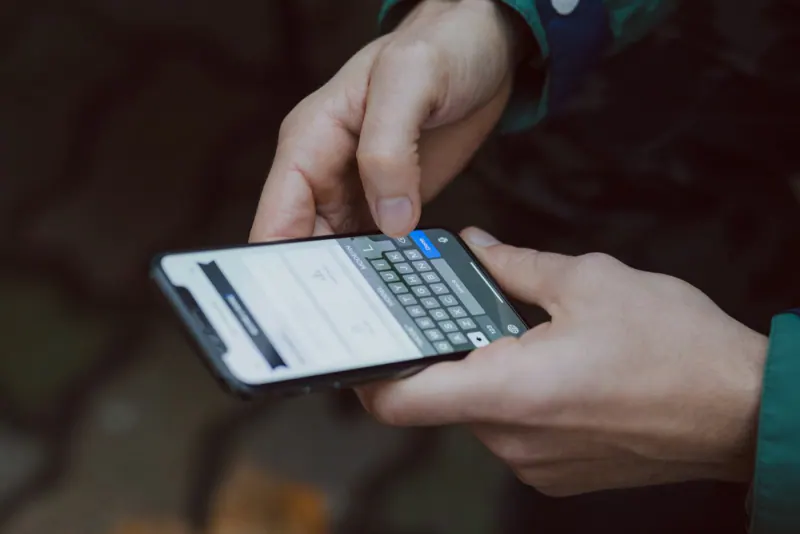
MonkeyChat is a Mercado Monkey microapp that turns a WhatsApp Business number into a shared inbox for multiple agents, with assignment, tags, internal notes and response-time metrics. It includes an AI assistant trained on the business's information that answers frequent questions and hands the conversation to a person. It's set up with the client's brand and connected to their website and CRM.
- 4.6 min
- average first response Typical result after 90 days of use
What MonkeyChat does
Shared inbox
Several agents on the same WhatsApp number, each from their own computer or phone, with no single shared handset.
Automatic assignment
Routes conversations by shift, topic or territory, and reassigns them if someone doesn't reply within the set time.
AI assistant
Answers hours, ballpark prices, requirements and availability using your information, and knows when to hand off to a person.
Tags and internal notes
Label every conversation by stage or customer type and leave notes only your team can see.
Many channels, one inbox
WhatsApp, Instagram, Messenger and your website chat in the same view, with the customer's full history.
Response times
Per-agent metrics: first response, closed conversations and busiest hours, so you can plan shifts.
From demo to day-to-day use
- 01
Demo and number migration
We review your message volume and connect your number to the official WhatsApp Business API without losing it.
- 02
Train the assistant
We load your information: services, prices, policies and FAQs. We define what the AI answers and what it doesn't.
- 03
Rules and team
We set up agents, shifts, tags, quick replies and your branding on your website chat.
- 04
Conversation review
For the first few weeks we review AI answers and your team's response times to fine-tune rules and copy.
Built for real businesses
- Real estate agencies and car dealerships
- Clinics and hospitals
- Schools and universities
- Distributors and wholesalers
- Online stores
- In-home service companies
See it working with your use case
We set up the demo with data that looks like your business. If it's a fit, we brand it for you and connect it to your WhatsApp, your website or your CRM.
- No commitment, no credit card
- Set up with your branding
- Your data is yours: export it anytime
What people ask us
How long does it take to set up MonkeyChat?
Can I still reply from my phone?
Will the AI make up answers for my customers?
Who owns the conversations and data?
Does it connect to my website and CRM?
Pair it with others
Need something custom-built?
If no microapp is an exact fit, we'll build yours the same way: fast, simple and connected to the tools you already use.
We reply within one business day.